










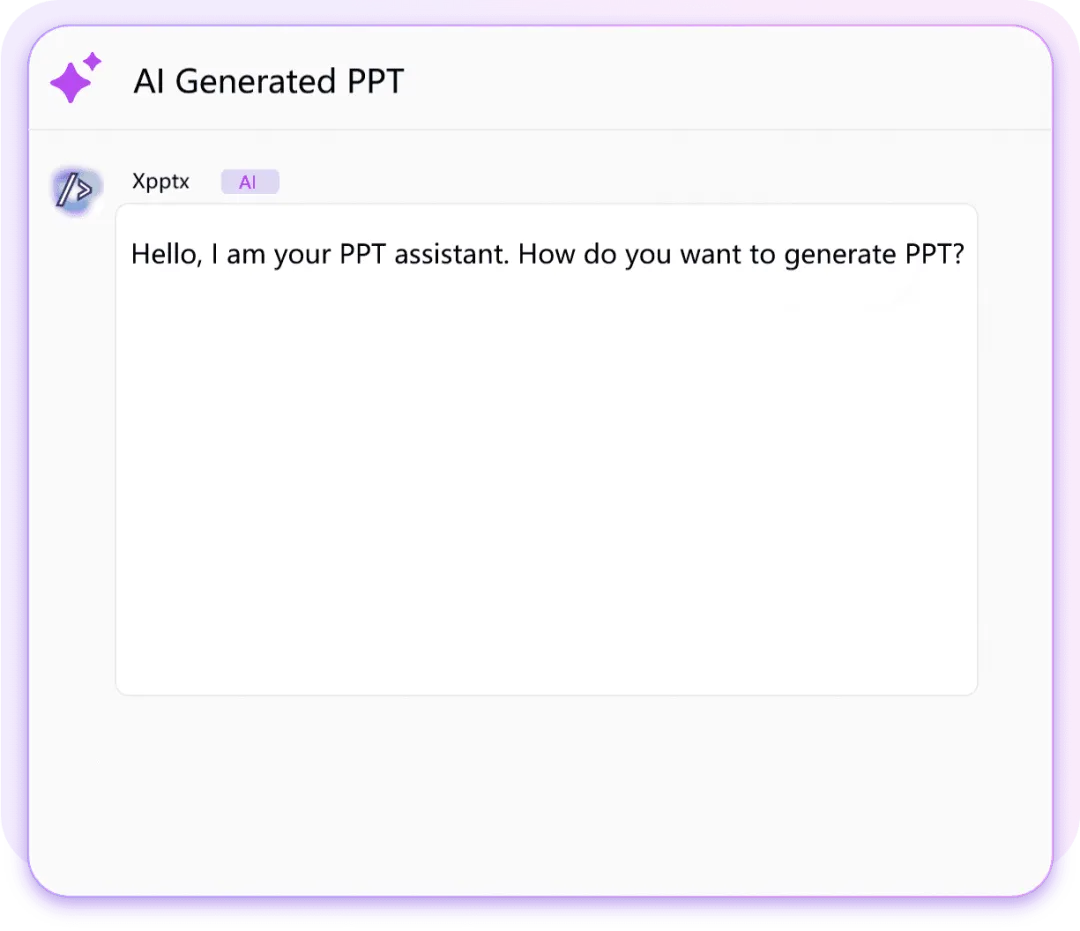





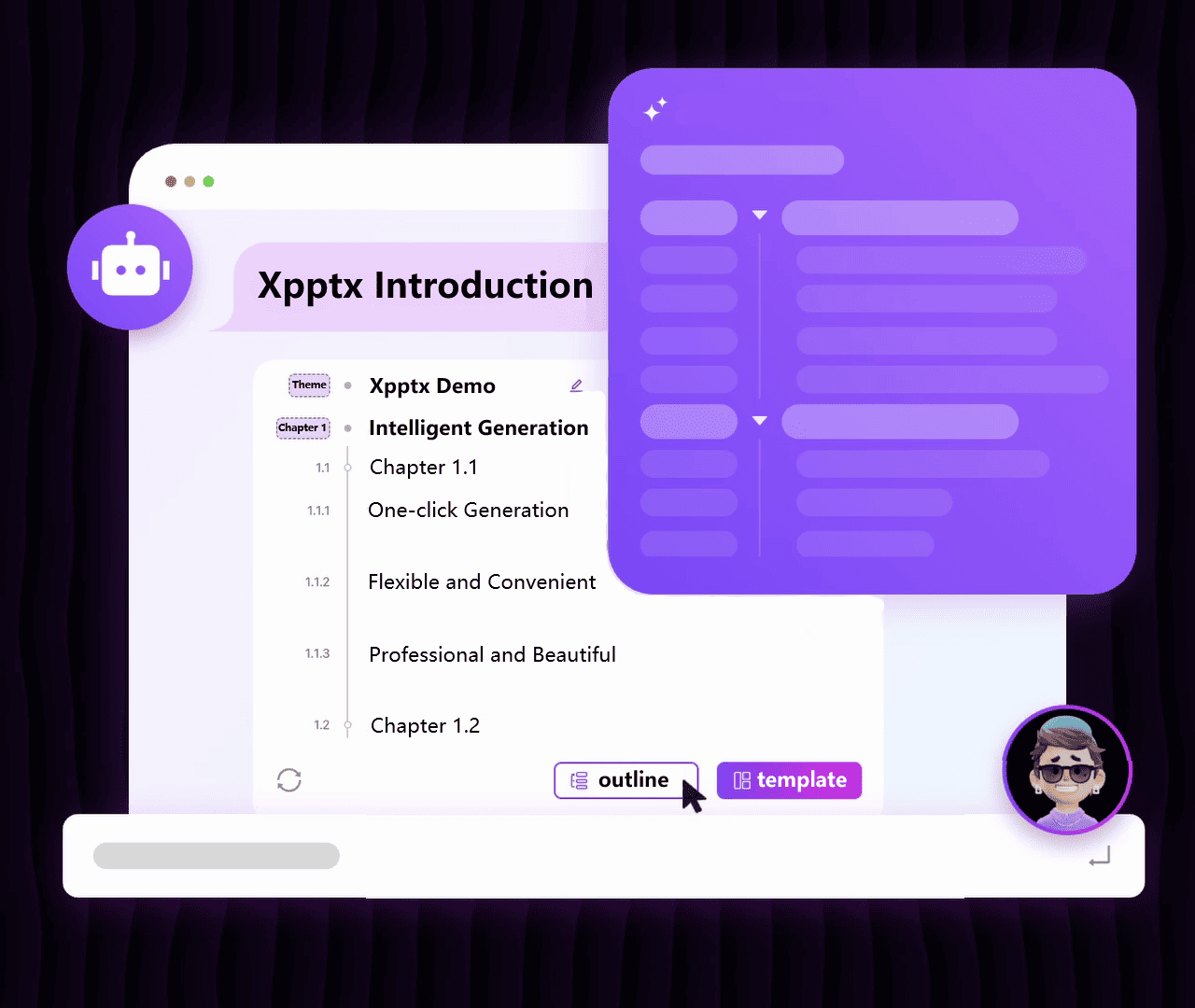
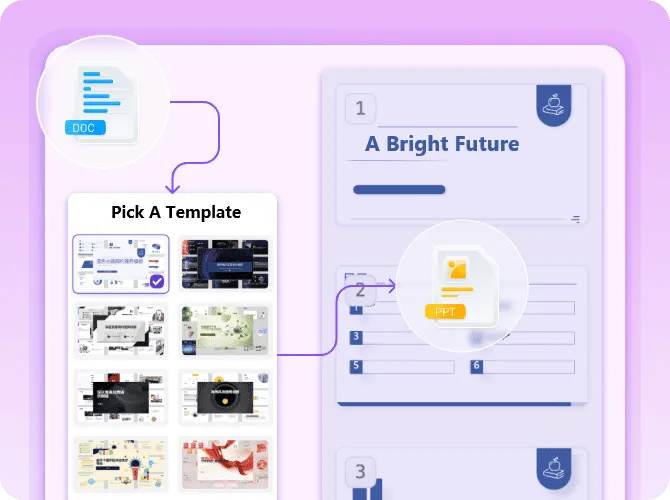
Word to Slides with Xpptx turns documents into polished, editable slides in minutes. Xpptx preserves your structure, headings, and core content, then applies clean layouts and visuals automatically. It is ideal for reports, proposals, training decks, and client presentations when you need professional slides quickly without manual reformatting.
PDF to Slides with Xpptx converts PDF files into editable slides with better content retention and a cleaner structure. Xpptx recognizes complex layouts, extracts important text blocks, and rebuilds them into slides that are easier to edit and present. It is useful for research briefs, project summaries, internal reports, and document-to-deck workflows.
Turn images into editable slides with Xpptx. Upload screenshots, scanned pages, posters, notes, hand-drawn drafts, or design references, and let AI extract the key text, layout, and visual hierarchy from the image. Xpptx rebuilds the content into structured, editable slide pages, so you can refine the message, adjust visuals, and reuse image-based information without rebuilding every element from scratch.
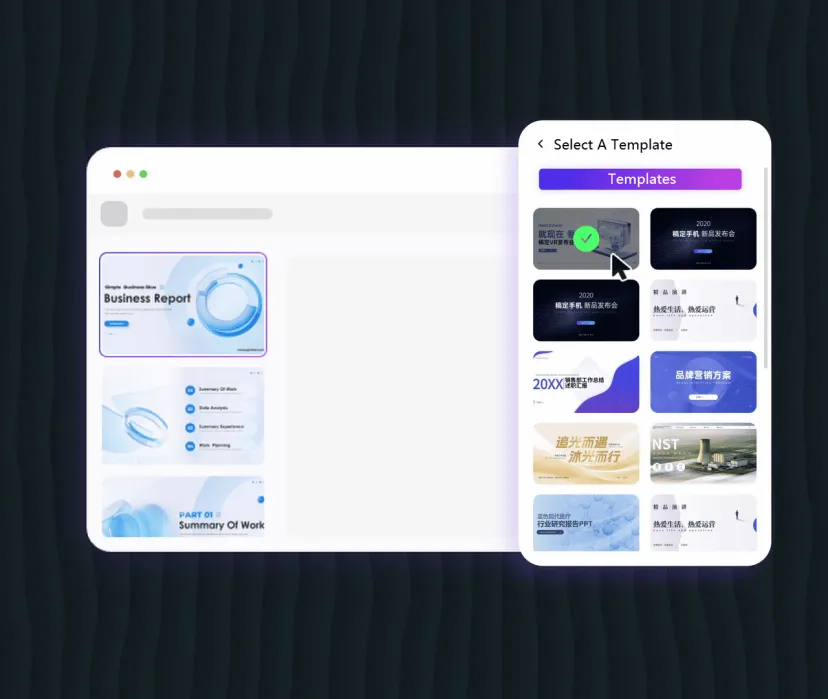
Upload an existing slide deck and let Xpptx polish the content, images, and layout. AI can expand thin copy, tighten long paragraphs, improve or remove distracting images, and adjust page structure when the original deck feels crowded or uneven. Xpptx reorganizes each slide into a cleaner, more consistent, presentation-ready design while keeping the core message easy to edit.
Xpptx open platform, open AI, can also be privatized and deployed locally. If necessary, please contact us.

Create market research Slides with clearer structure and stronger insight storytelling. Xpptx helps summarize competitor moves, audience trends, growth signals, and key data points into readable slides that support strategic discussion, stakeholder alignment, and faster decision-making.

Here are some frequently asked questions about Xpptx from users, I hope it can help you!