이미지를 PPT로 변환

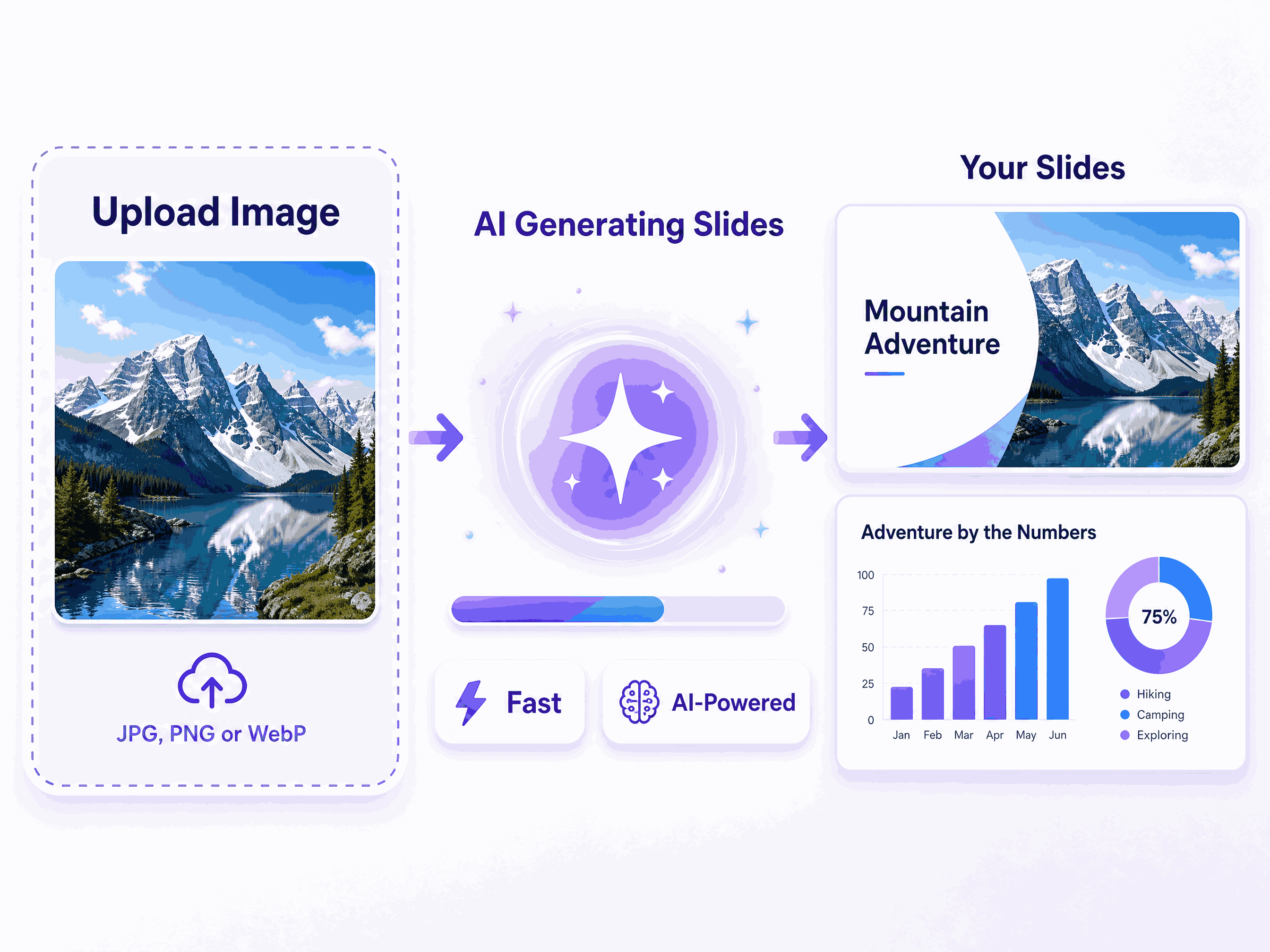
Xpptx의 이미지 PPT 변환은 이미지를 슬라이드에 그대로 붙여 넣는 기능이 아닙니다. 스크린샷, 스캔 페이지, 포스터, 수업 노트, 회의 화이트보드, 손그림 초안, 디자인 참고 이미지를 지원합니다. AI가 이미지 속 제목, 본문, 목록, 차트, 아이콘, 콘텐츠 구역, 시각적 계층을 인식하고 편집 가능한 PPT 페이지로 재구성합니다. 생성 후에도 텍스트, 이미지, 배치를 계속 수정할 수 있어 이미지 안의 중요한 정보를 처음부터 다시 만들 필요가 없습니다.

Image motion effect
Image motion effect
Image motion effect
Image motion effect
Image motion effect
Image motion effect
Image motion effect
Image motion effect
Image motion effect
Image motion effect
Image motion effect
Image motion effect
Image motion effect
Image motion effect
Image motion effect
Image motion effect
Image motion effect
Image motion effect
Image motion effect
Image motion effect
Image motion effect
Image motion effect
Image motion effect
Image motion effect
Image motion effect
Image motion effect
Image motion effect
Image motion effect
Image motion effect
Image motion effect
Image motion effect
Image motion effect
Image motion effect
Image motion effect
Image motion effect
Image motion effect
Image motion effect
Image motion effect
Image motion effect
Image motion effect
Image motion effect
Image motion effect
Image motion effect
Image motion effect
Image motion effect
Image motion effect
Image motion effect
Image motion effect
Image motion effect
Image motion effect
Image motion effect
Image motion effect
Image motion effect
Image motion effect
Image motion effect
Image motion effect
Image motion effect
Image motion effect
Image motion effect
Image motion effect
Image motion effect
Image motion effect
Image motion effect
Image motion effect
Image motion effect
Image motion effect
Image motion effect
Image motion effect
Image motion effect
Image motion effect
Image motion effect
Image motion effect
Image motion effect
Image motion effect
Image motion effect
Image motion effect
Image motion effect
Image motion effect
Image motion effect
Image motion effect
Image motion effect
Image motion effect
Image motion effect
Image motion effect
Image motion effect
Image motion effect
Image motion effect
Image motion effect
Image motion effect
Image motion effect
Image motion effect
Image motion effect
Image motion effect
Image motion effect
Image motion effect
Image motion effect
Image motion effect
Image motion effect
Image motion effect
Image motion effect
Image motion effect
Image motion effect
Image motion effect
Image motion effect
Image motion effect
Image motion effect
Image motion effect
Image motion effect
Image motion effect
Image motion effect
Image motion effect
Image motion effect
Image motion effect
Image motion effect
Image motion effect
Image motion effect
Image motion effect
Image motion effect
Image motion effect
Image motion effect
Image motion effect
Image motion effect
Image motion effect
Image motion effect
Image motion effect
Image motion effect
Image motion effect
Image motion effect
Image motion effect
Image motion effect
Image motion effect
Image motion effect
Image motion effect
Image motion effect
Image motion effect
Image motion effect
Image motion effect
Image motion effect
Image motion effect
Image motion effect
Image motion effect
Image motion effect
Image motion effect
Image motion effect
image to slides feature

이미지에서 PPT 더 빠르게

이미지를 PPT로 변환한다는 것은 이미지를 슬라이드에 그대로 붙여 넣는 것이 아닙니다. 스크린샷, 스캔 페이지, 포스터, 수업 노트, 회의 화이트보드, 손그림 초안, 디자인 참고 이미지를 업로드하면 Xpptx가 제목, 본문, 목록, 차트, 아이콘, 주요 영역을 인식하고 정적인 이미지 자료를 계속 편집할 수 있는 PPT 콘텐츠로 정리합니다.

이미지에서 PPT 더 명확하게

AI는 이미지의 레이아웃 구조와 시각적 계층을 분석해 어떤 정보를 제목, 핵심 요점, 설명 문구, 차트, 시각 요소로 남겨야 하는지 판단합니다. 텍스트를 직접 복사하고, 이미지를 다시 캡처하고, 페이지를 새로 배치하는 작업보다 더 빠르게 이미지 내용을 명확하고 계층이 살아 있는 페이지 초안으로 재구성할 수 있습니다.
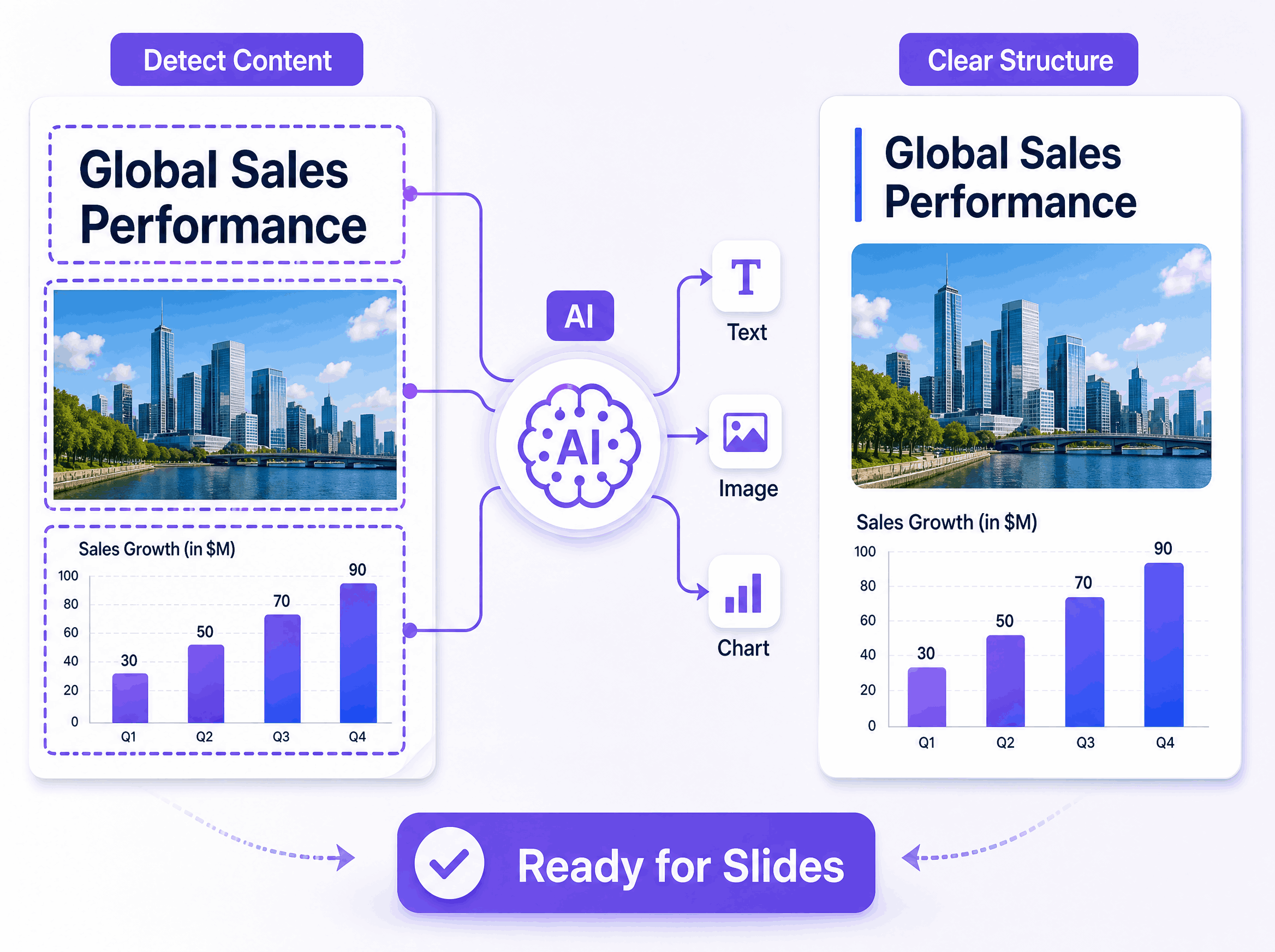
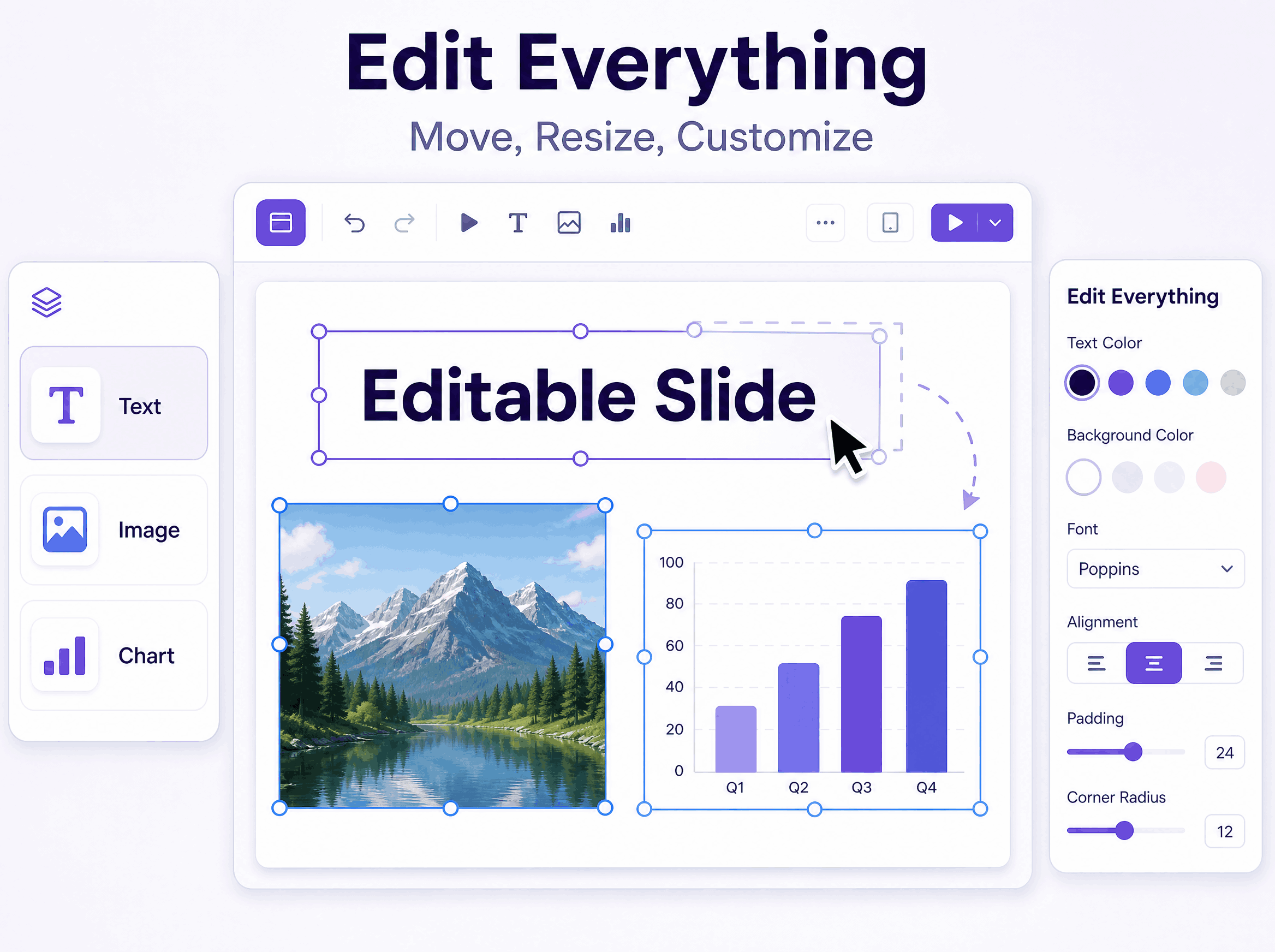
image to slides featureimage to slides feature

이미지에서 PPT 더 쉽게 편집

변환 후 생성되는 PPT는 단순한 평면 이미지가 아니라 계속 편집할 수 있는 페이지입니다. 문구를 다듬고, 이미지 요소를 교체하거나 이동하고, 레이아웃을 개선한 뒤 회의 보고, 수업 자료, 프로젝트 정리, 자료 재사용, 내부 공유에 활용할 수 있습니다. 이미지 속 정보를 편집 불가능한 스크린샷으로 남겨두지 않고 실제로 재사용할 수 있습니다.

지능형 창조 적용 범위 모든 시나리오

시장 조사

더욱 명확한 구조와 더욱 탄탄한 인사이트 스토리텔링으로 시장조사 PPT를 만들어 보세요. Xpptx는 경쟁사의 움직임, 청중 추세, 성장 신호 및 주요 데이터 포인트를 읽기 쉬운 슬라이드로 요약하여 전략적 토론, 이해관계자 정렬 및 빠른 의사 결정을 지원하는 데 도움이 됩니다.

시장 조사

이미지를 PPT로 변환할 때 자주 묻는 질문

Xpptx로 이미지와 스크린샷을 편집 가능한 슬라이드로 변환하는 방법을 알아보세요.